
Canon PIXMA G2010 Driver Download and Installation Guide
If you are looking for the Canon PIXMA G2010 driver download, the safest option is to download the driver directly from Canon’s official support website. The PIXMA G2010 is an all-in-one printer that supports printing, scanning, and copying, and the correct driver is required for Windows to communicate properly with the printer.
Canon currently lists the G2010 MP Drivers Ver. 1.04 for Windows, updated on February 26, 2026, with a download size of approximately 89.99 MB. Canon also provides a G2010 series Full Driver & Software Package for Windows.
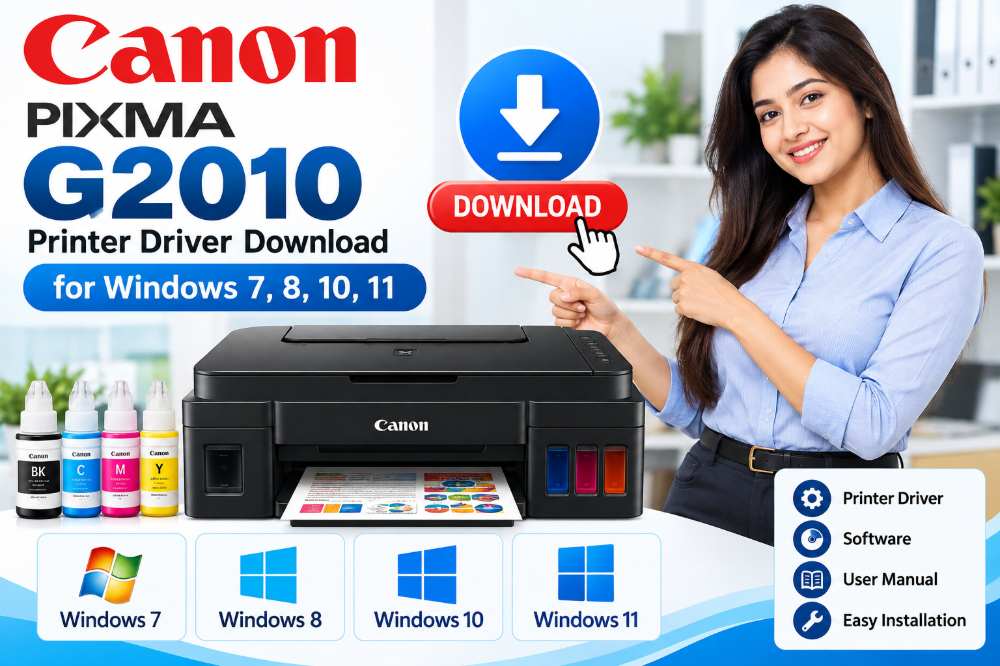
Canon PIXMA G2010 Driver Download
You can download the official driver from Canon’s support page:
Canon PIXMA G2010 Driver Download – Official Support
The official Canon page provides drivers, software, firmware, manuals, specifications, and troubleshooting information for the PIXMA G2010.
For a complete Windows installation, Canon also provides the G2010 series Full Driver & Software Package. This package supports Windows 11, Windows 10, Windows 8.1, and Windows 7, including 32-bit and 64-bit editions where specified by Canon.
Canon G2010 Driver for Windows
The Canon PIXMA G2010 MP Driver provides the necessary software for printing and scanning. Canon describes the MP Drivers as including both the printer driver and ScanGear scanner driver.
The current driver listing includes support for:
- Windows 11
- Windows 10
- Windows 10 64-bit
- Windows 8.1
- Windows 8.1 64-bit
- Windows 7
- Windows 7 64-bit
Before downloading, select the driver that matches your Windows operating system.
How to Download Canon PIXMA G2010 Driver
Follow these steps to download the driver:
- Visit the official Canon PIXMA G2010 support page.
- Select Drivers, Software & Firmware.
- Choose your operating system if Canon does not automatically detect it.
- Locate G2010 MP Drivers or the G2010 series Full Driver & Software Package.
- Click the download option.
- Save the installation file to your computer.
- Open the downloaded
.exefile and follow the on-screen instructions.
For the full package, Canon states that an internet connection should be maintained during installation because the software performs the necessary setup and installation.
CLICK HERE to downoad Canon PIXMA G2010 Driver download. Canon PIXMA G2010 Printer Driver, Canon PIXMA G2010 Scanner Driver included for Windows 7, 8, 10, 11 versions.
How to Install Canon G2010 Driver
After downloading the driver, turn off the printer before starting the MP Driver installation. Then open the downloaded installer and follow the instructions displayed on the screen. Canon recommends restarting the computer if the installation program requests it.After installation is complete, connect the Canon PIXMA G2010 to the computer using its USB connection and verify that the printer appears in your Windows printer settings.
Canon PIXMA G2010 Specifications
The PIXMA G2010 is a refillable ink-tank multifunction printer designed for printing, scanning, and copying. Canon lists a maximum print resolution of 4800 × 1200 dpi and a USB 2.0 Hi-Speed interface.
Key specifications include:
- Functions: Print, Scan, Copy
- Maximum print resolution: 4800 × 1200 dpi
- Black print speed: approximately 8.8 images per minute
- Colour print speed: approximately 5.0 images per minute
- Scanner: Flatbed CIS
- Optical scanning resolution: 600 × 1200 dpi
- Interface: USB 2.0 Hi-Speed
- Ink: Canon GI-790 series
- Display: LCD segment display
CLICK HERE to see Canon PIXMA G2010 Printer Price in Sri Lanka

Canon G2010 Driver Not Installing?
If the printer is not detected after installing the driver, try these steps:
- Make sure the Canon PIXMA G2010 is switched on.
- Check the USB cable and USB port.
- Remove an older G2010 driver before installing the latest MP Driver.
- Restart Windows after installation.
- Download the driver again if the installation file was corrupted.
- Make sure you selected the correct Windows version.
- Use Canon’s official support page rather than an unknown third-party driver website.
Canon specifically recommends removing the previously installed version before installing the latest MP Drivers.Frequently Asked Questions
Where can I download the Canon PIXMA G2010 driver?
The driver can be downloaded from Canon’s official PIXMA G2010 support page. Canon provides the MP Driver as well as a full driver and software package for Windows.
Does Canon G2010 support Windows 11?
Yes. Canon’s current Full Driver & Software Package listing includes Windows 11 support.
Does the Canon G2010 work with macOS?
Canon’s published specifications for the G2010 state that Macintosh/macOS is not supported for this model. Do I need a driver for scanning?
Yes. The Canon MP Drivers include the printer driver and ScanGear scanner driver, allowing the computer to communicate with the printer’s scanning functionality.
Conclusion
Downloading the correct Canon PIXMA G2010 driver is important for reliable printing and scanning on Windows. For security and compatibility, use Canon’s official support page to obtain the latest available driver or the complete driver and software package. The current Canon listing includes G2010 MP Drivers Ver. 1.04, updated February 26, 2026.